C-Gauge
Codex usage, at a glance.
Mac
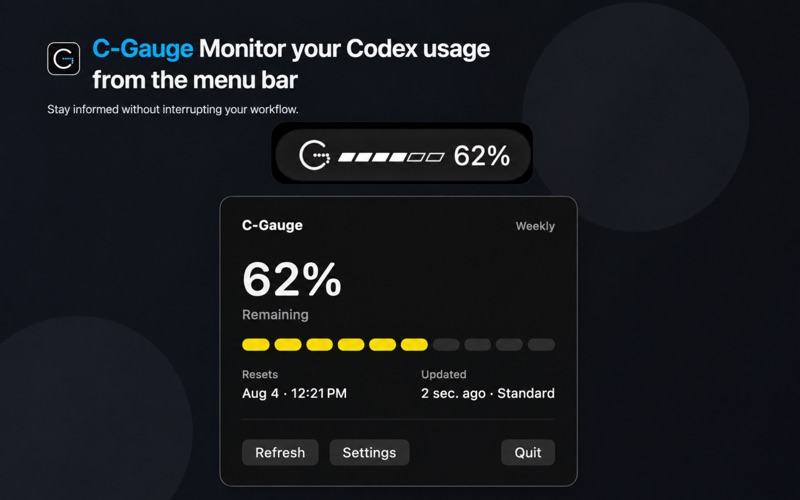
Check Codex usage from your menu bar.
See remaining usage and reset information from supported local Codex sources on your Mac.
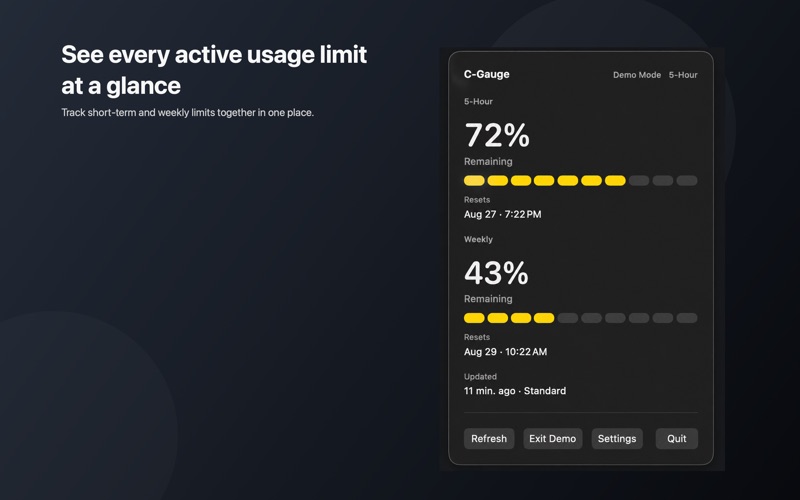
Your limits, at a glance.
See remaining usage for the 5-hour and weekly limits in the menu bar or popover, when each resets, and when the information was last updated. Use Refresh to check the latest information available from the source.
Use your supported Codex sources.
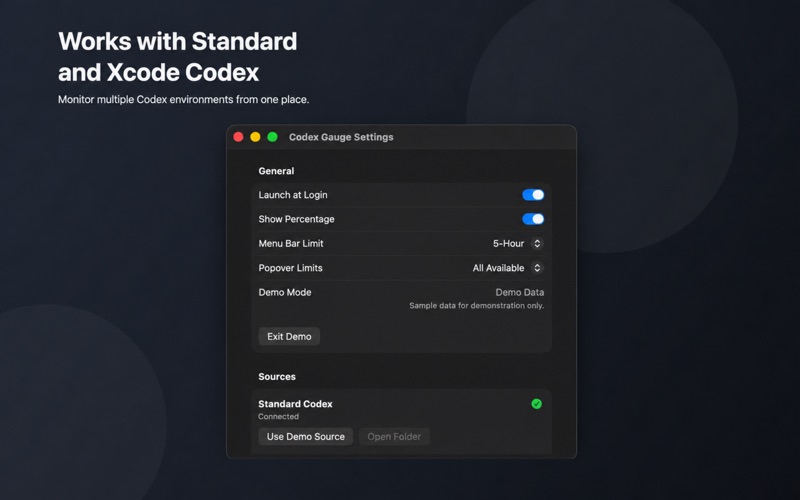
Connect Standard Codex or Xcode Codex. C-Gauge reads supported local usage snapshots from the source you choose. Try Demo Mode with sample data if you want to explore the interface first.
Keep the details you want in view.
In Settings, choose a Menu Bar Limit and whether Popover Limits shows every available limit or only the selected one. The percentage display is optional; you can also set C-Gauge to launch at login.
A quick view of local usage information
C-Gauge displays information available in supported local usage snapshots. It is an independent utility and is not affiliated with or endorsed by OpenAI.
Information
- Platform
- Mac
- Minimum OS
- macOS 14.0 or later
- Version
- 1.0.1
- Age
- 4+
- Price
- Free
- Languages
- English and 24 additional languages, including Korean and Spanish
- Category
- Utilities
- Developer
- SlowDevLabs